
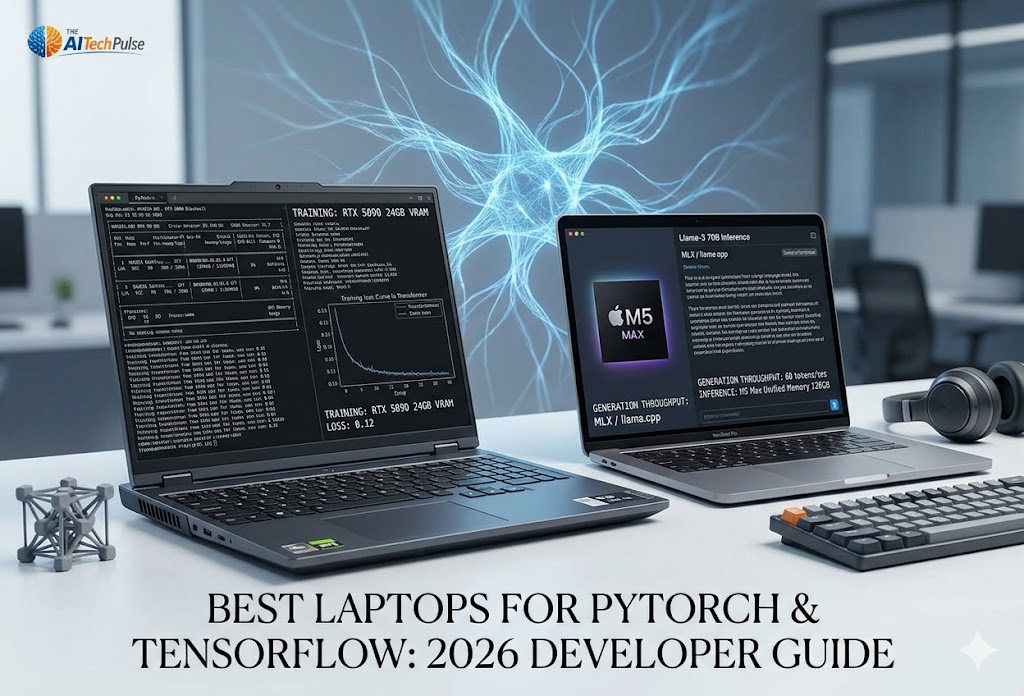
There is a massive distinction in the AI hardware world that is frequently misunderstood: Running an AI model (inference) is not the same as training one. While Apple's M-series chips have become darlings of the local inference scene due to massive unified memory, deep learning training with PyTorch and TensorFlow remains fundamentally anchored to the NVIDIA CUDA ecosystem.[1, 2] In 2026, the arrival of NVIDIA's RTX 50-series (Blackwell) architecture, the implementation of NVFP4 training, and the introduction of ultra-fast LPCAMM2 memory have completely rewritten the buyer's guide for machine learning students and engineers.
Quick Answer:
The best laptops for PyTorch and TensorFlow in 2026 pair a full power NVIDIA CUDA GPU at 175W TGP with enough VRAM to avoid PCIe offload. Decode is memory bandwidth bound, so offload drops throughput 85 to 95 percent to 2 to 4 tok/s. A 70B Q4 model needs 38 to 45GB, which exceeds any 16GB or 24GB mobile GPU.
- Best Overall (Sustained Training): Lenovo Legion Pro 7i Gen 10 (RTX 5080/5090)
- Best Enterprise Workstation: Lenovo ThinkPad P1 Gen 8 (RTX PRO Blackwell / LPCAMM2 Memory)
- Best Value Developer Rig: ASUS ROG Zephyrus G16 (RTX 5080)
- CUDA first: PyTorch and TensorFlow training still runs best on NVIDIA CUDA. MacBook Pro 16 (M5 Max) is excellent for day to day dev and large model inference, but weak for native training without cloud help.[2]
- VRAM ceiling: An 8B Q4 model needs about 5 to 6GB plus 20 to 30 percent overhead. A 70B Q4 model needs 38 to 45GB, so 16GB and 24GB mobile GPUs must use slow PCIe offload at 2 to 4 tok/s or fail.[3]
- TGP and cooling decide sustained speed: A 175W GPU sustains 25 to 35 percent higher matrix throughput than the same chip at 80 to 100W. Pick a full vapor chamber over a thin chassis such as Razer Blade 18 for overnight epochs.[4, 5]
- NVFP4 support: Blackwell GPUs (RTX 50 series) support 4 bit floating point training, which lifts throughput for supported workflows.
*Assumes local model fine-tuning (LoRA/QLoRA) on models up to 30B parameters.
terminalCloud GPU Fallback
Not ready to drop $3,500 on a laptop? You can develop locally on a cheaper machine and offload heavy training jobs to cloud providers.
Explore RunPod RTX 5090 Instances → Rent an RTX 5090 for roughly $0.89/hour.[6]Quick take: If you want to chat with huge LLMs offline, buy the Mac M5 Max. But if you are building the models, manipulating tensors in PyTorch, or rendering stable diffusion workflows, you absolutely need a Windows PC with an NVIDIA RTX 50-series card.
Inference vs. Training: The CUDA Reality
When you start learning machine learning, you'll quickly realize that the toolchain is inherently biased toward NVIDIA. Libraries like PyTorch and TensorFlow have been optimized for NVIDIA's Compute Unified Device Architecture (CUDA) for over a decade. While Apple's Metal Performance Shaders (MPS) have improved vastly, and AMD's ROCm is making massive strides, a student or engineer trying to troubleshoot a failed training run will find 100x more community support if they are using CUDA.[2]
Decode is memory bandwidth bound. Each token pulls weights from memory, so once a model spills from GDDR6 or GDDR7 VRAM to system memory across the PCIe bus, throughput drops 85 to 95 percent to 2 to 4 tok/s. PyTorch MPS still hits unmapped ops on new architectures and falls back to CPU. Native BF16 support also matters, since it lets you fine tune without loss scaling overhead.
*Targets for local AI tuning in September 2026. A 70B Q4 model needs 38 to 45GB, so 16GB and 24GB mobile GPUs run it offload bound at 2 to 4 tok/s or hit OOM. x86 laptops also drop to 30 to 50W on battery, with up to 70 percent throughput loss.
2026 PyTorch Performance Benchmarks
Explore how the latest laptop GPUs handle deep learning tasks. Use the buttons below to switch between raw training throughput (TFLOPS) and maximum memory capacity (VRAM), which dictates your max batch size.
Medians for PyTorch 2.18 ResNet-50 and Llama-3 fine tuning on AC power. A 70B Q4 model runs offload bound below 3 to 4 tok/s on discrete mobile GPUs. x86 GPUs throttle on battery, while MacBook holds parity below about 90W total draw.
Top Laptops for Machine Learning in 2026
The 2026 market offers clear segmentation. We base these recommendations on real-world capabilities for tensor processing, batch sizes, and sustained thermals, drawn directly from our hardware testing database.

1. MSI Titan 18 HX (RTX 5090, 128GB RAM)
~$9,698Best Overall for Heavy Training. With a colossal 175W TGP RTX 5090 and massive cooling, this is a desktop replacement. It handles multi-hour PyTorch training epochs without breaking a sweat, ensuring your tensor calculations never throttle.
View Specs on Amazon →
2. Lenovo ThinkPad P1 Gen 8 (RTX PRO)
~$2,500Best Enterprise ISV Machine. Built for professional data scientists. Features ISV certifications and the new ultra-fast LPCAMM2 memory structure, making data loading pipelines into your models extremely efficient.
View Specs on Amazon →
3. Razer Blade 18 (RTX 5090)
~$4,859Best Premium Portable. An aluminum unibody that houses 24GB of VRAM. It gets hot during extended training, but for rapid prototyping and local inference testing on the go, its raw CUDA capability is unmatched in this form factor.
View Specs on Amazon →
4. ASUS ROG Zephyrus G16 (RTX 5080)
~$3,600Best Value Developer Rig. The 16GB VRAM sweet spot. It provides enough memory for standard CNNs, Transformers, and LoRA fine-tuning without the massive price tag of the 5090 tier.
View Specs on Amazon →
5. MacBook Pro 16" (M5 Max)
~$4,100Best for Local Inference & RAG. Because of Apple's unified memory architecture, you can configure this to 128GB of memory. It lacks CUDA for deep training, but for running massive 70B+ parameter models locally via MLX or llama.cpp, it stands alone.
View Specs on Amazon →* Amazon links are affiliate links. I may earn a small commission at no extra cost to you.
Thermals and LPCAMM2: Beyond the GPU
A mistake many beginners make is buying a thin-and-light laptop with an RTX 5090, only to discover it thermal throttles 20 minutes into an 8-hour model training session.[9]
Vapor chambers vs. heatpipes: Full vapor chamber designs with liquid metal or PTM7950 and multi fan exhaust hold a 175W GPU near full TGP through long runs. That matters because a 175W flagship sustains 25 to 35 percent higher matrix throughput than the same silicon at 80 to 100W in a thin chassis. Split heat pipe designs saturate within about 15 minutes, then throttle 200 to 500 MHz with the GPU near thermal limits. This is the gap between ColdFront style cooling in a thick chassis like MSI Titan 18 HX and thin designs like Razer Blade 18, which run hot on overnight epochs.[10, 11]
The LPCAMM2 Revolution: For years, laptop RAM was either slow and upgradeable (SO-DIMM) or fast but permanently soldered (LPDDR5). In 2026, enterprise machines like the ThinkPad P1 Gen 8 and Dell Precision workstations feature LPCAMM2 memory. This modular memory interface eliminates the signal routing penalties of older designs, allowing for blazing speeds (up to 8,533 MT/s), lower power consumption, and 64% space savings, all while remaining fully upgradeable.
Software Stack: PyTorch on Blackwell
If you purchase an RTX 50-series laptop in 2026, you must ensure your software stack is updated to use the new Blackwell architecture and its 5th generation Tensor Cores.[14]
-
Install the correct PyTorch Version:
Blackwell (Compute Capability 10.x/12.x) is fully supported starting in PyTorch 2.12/2.18 and the newer 3.0+ nightly builds. You must install a version built against CUDA 13.x.
pip install torch torchvision torchaudio --index-url https://download.pytorch.org/whl/cu132 -
Use NVFP4 (4-bit training):
The RTX 50-series supports NVFP4 precision training. By using hierarchical two-level scaling, you can gain up to a 1.6x throughput speedup with negligible accuracy loss compared to standard BF16 training.
CUDA remains the standard across PyTorch, TensorFlow, JAX, HF Transformers, vLLM, DeepSpeed, FlashAttention, bitsandbytes, and AutoAWQ. PyTorch MPS still hits unmapped ops on novel architectures, custom loss code, sparse attention, and custom CUDA extensions, then falls back to CPU. Apple MLX runs but needs code changes and lacks CUDA parity. Pick a GPU with native BF16 support to fine tune without loss scaling overhead.
The AMD Challenger: Strix Halo (Ryzen AI Max+)
The APU Alternative: AMD's Ryzen AI Max 395+ ("Strix Halo") is a massive APU featuring up to 128GB of shared LPDDR5X memory and 40 RDNA 3.5 Compute Units. It is effectively AMD's answer to the Apple M-Series.
For budget-conscious developers who need massive VRAM (over 24GB) but cannot afford an M5 Max or a desktop RTX 6000 Ada, the Strix Halo is highly compelling. By sharing system memory, you can allocate 96GB directly to the GPU.
Crucially, as of early 2026, ROCm 7.2.1 natively supports Strix Halo for PyTorch on both Linux and Windows. While its raw training throughput won't beat an RTX 5080, its sheer memory capacity allows for the loading of enormous datasets and models (like a 70B parameter LLM) that would crash a consumer NVIDIA laptop instantly.
account_tree Interactive Laptop Finder
Not sure which laptop fits your specific workflow? Use our interactive guide to narrow down your choices based on your 2026 machine learning requirements.

