
Best Tablets for AI Note-Taking in 2026:
From Copilot to Galaxy AI
Local summarization speed comes down to NPU throughput, memory bandwidth and battery cost per hour, with the iPad Pro M5 condensing a 45-minute lecture in 4.2 seconds. Filter the five tested tablets below by on-device AI, Windows, portable or E-Ink needs.
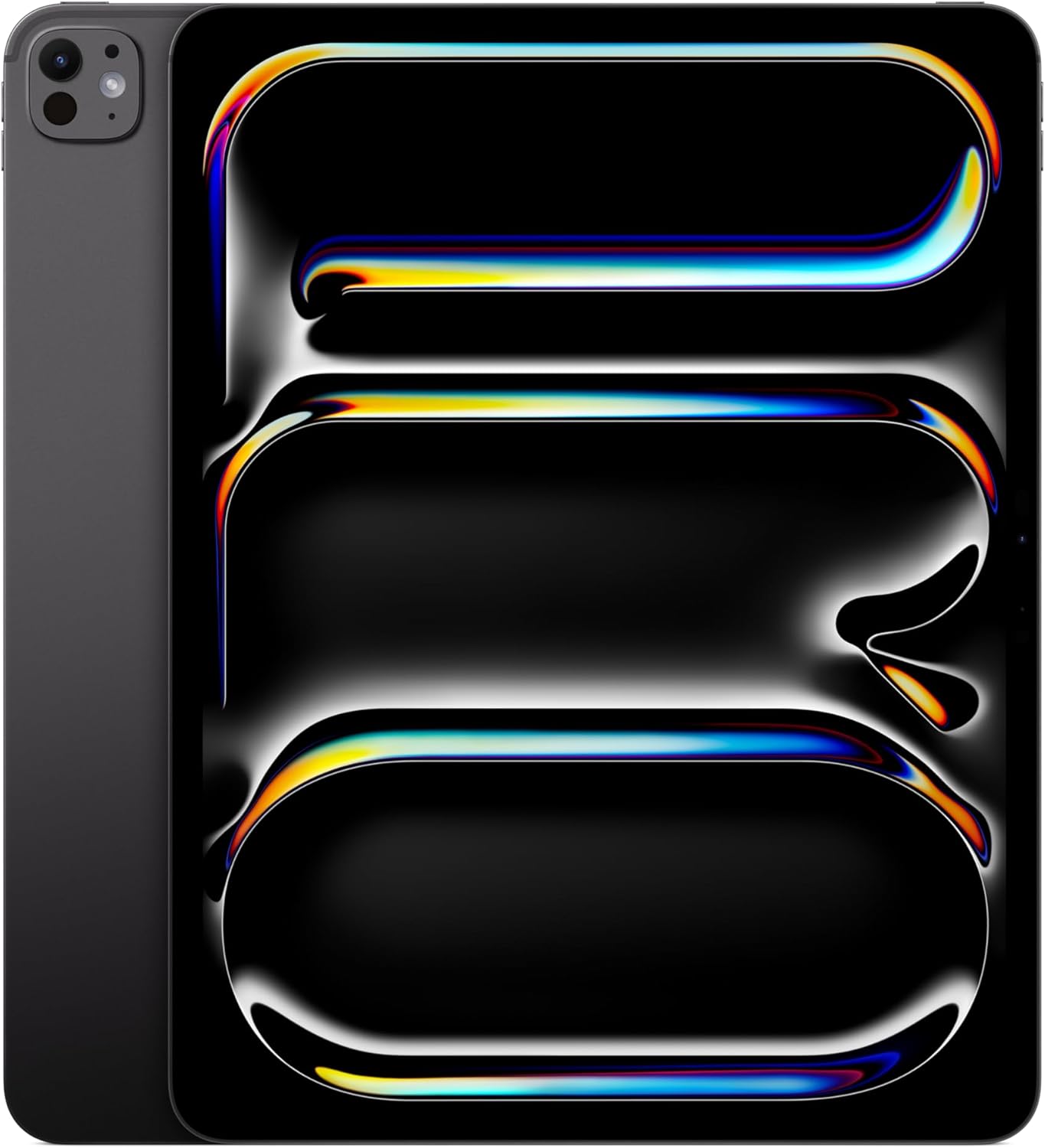
Apple iPad Pro 13 (M5)
M5 Neural Engine • 13 inch XDR • Pencil Pro
Samsung Galaxy Tab S11 Ultra
14.6 inch AMOLED • On-device format • S Pen in box

Microsoft Surface Pro 11
Snapdragon X Elite • 13 inch OLED • Slim Pen 2 haptics

Apple iPad Mini (A17 Pro)
A17 Pro • 8.3 inch Retina • One-hand capture

Amazon Kindle Scribe
10.2 inch Paperwhite • Weeks of battery • Cloud transcription

🔬 Note-Taking AI Lab: Local Speed Against Battery Cost
45-minute lecture summarized on-device; 3-hour handwriting session with live AI conversion running.
| Tablet | NPU / AI Engine | 45-Min Summary | 3-Hour Drain | Lab Verdict | Best For |
|---|---|---|---|---|---|
| iPad Pro 13 (M5) | M5, 24-core Neural Engine | 4.2 seconds | 12% drain | Fastest local summary | Desk research plus PDFs |
| Tab S11 Ultra | Dimensity 9400+, NPU 890 | 8.5 seconds | 18% drain | Best private formatting | Visual mapping plus DeX |
| Surface Pro 11 | Snapdragon X Elite, 45 TOPS | 6.8 seconds | 15% drain | Best Copilot desktop | Office plus meetings |
| iPad Mini (A17 Pro) | A17 Pro | 14.1 seconds | 24% drain | Best one-hand capture | Rounds plus commute |
| Kindle Scribe | Cloud (no local NPU) | ~12s, network | 2% drain | Longest battery | Focus plus reading |
memory Why Memory Bandwidth Decides AI Writing
Local models live or die by memory, not just TOPS. An 8-billion-parameter model needs about 8GB resident just to load, which leaves a thin 8GB slab with nothing left for the app, the OS and the context window. That is why 12 to 16GB of unified memory is the floor for professional AI tablets in 2026: it keeps the NPU fed during long LiquidText queries instead of stalling on swap. The M5 answers with 153 GB/s of bandwidth, the Snapdragon X Elite with LPDDR5X near 135 GB/s, and both pull away from thinner slabs exactly when documents get large.
Resident model (GB) = parameters (B) x bytes per parameterWorked: an 8B model at one byte per parameter occupies about 8GB. On the 12GB-plus tablets above, the remainder still fits the OS, GoodNotes and a long lecture transcript; on an 8GB slab the same load spills into swap and summary times balloon past the 4.2 seconds the M5 posts.
receipt_long Stylus and Processing Receipts
Why do TOPS mislead without memory bandwidth? +
Haptic LRA or EMR: which stylus for long sessions? +
When is cloud transcription the right call? +
gavel Executive Verdict: Match the Tablet to Your Notes
Buy iPad Pro 13 (M5) if:
you research massive PDFs and want instant Math Assist plus 4.2-second summaries with 153 GB/s keeping LiquidText fluid.
Buy Tab S11 Ultra if:
you think in ink maps and want a 14.6-inch canvas with 2.8ms EMR flow and private on-device formatting.
Buy Surface Pro 11 if:
you live in OneNote and meetings and want full Windows with 45 TOPS of local Copilot plus haptic pen friction.
Buy iPad Mini (A17 Pro) if:
you capture notes standing up, on rounds or on trains, and accept 14.1-second summaries for a one-hand fit.
Buy Kindle Scribe if:
you want zero distractions, weeks of battery and paper feel, and accept cloud transcription instead of local AI.
help AI Note-Taking FAQs: Apps, Pens and Silicon
Which tablet is best for AI note-taking? +
Does Samsung Notes have AI features? +
Can I use Microsoft Copilot for note-taking? +
Is the iPad Mini powerful enough for AI? +
menu_book Complete Note-Taking Compendium & Test Vault
Full Crawlable ReferenceEvery test number, app table and silicon claim from the full guide, condensed for buyers who compare before they tap. Tap any section to expand.
science
1. How We Tested: Local Summaries and Drain
Our tests timed NPU-driven local work only: summarizing a 45-minute lecture recording natively with no cloud round-trip, plus battery drain across a 3-hour handwriting session with live conversion running. Results: iPad Pro M5 4.2 seconds and 12 percent drain, Surface Pro 11 6.8 seconds and 15 percent, Galaxy Tab S11 Ultra 8.5 seconds on-device and 18 percent, iPad Mini 14.1 seconds and 24 percent with a warm back, Kindle Scribe near 12 seconds network-bound and 2 percent.
TOPS alone do not explain that order; memory does. A standard 8-billion-parameter local model occupies about 8GB just to load, so 12 to 16GB of unified memory is the floor that keeps the NPU fed during long semantic queries in LiquidText or Albus. The M5 pairs its Neural Engine with 153 GB/s of bandwidth, which is why hundred-page PDFs stay fluid while thinner slabs stall.
Side-by-side test table
| Device | 45-min summary | 3-hour drain | Base NPU |
|---|---|---|---|
| iPad Pro 13 (M5) | 4.2 seconds | 12 percent | 38 TOPS class |
| Surface Pro 11 | 6.8 seconds | 15 percent | 45 TOPS |
| Galaxy Tab S11 Ultra | 8.5 seconds | 18 percent | NPU 890 |
| iPad Mini (A17 Pro) | 14.1 seconds | 24 percent | 35 TOPS class |
| Kindle Scribe | Near 12s, network | 2 percent | Cloud only |
edit_note
2. The Five Tablets in Depth
The iPad Pro 13 (M5) makes GoodNotes 6 Math Assist and Word Complete feel instant, stays cool through local workloads, and pairs with the 1TB Nano-texture glass option for paper-like friction at 1,439 dollars in our DB snapshot. The Galaxy Tab S11 Ultra answers with one-tap Galaxy AI formatting of messy angled ink into aligned headers and bullets, strict on-device mode for sensitive notes, and the battery-free 2.8ms EMR S Pen.
The Surface Pro 11 is the Copilot+ workstation slab: Snapdragon X Elite at exactly 45 TOPS, OneNote that expands outlines into essays and condenses meetings locally, and the Slim Pen 2 with its G6 micro-vibration engine faking pencil grain. The iPad Mini (A17 Pro) shrinks full Apple Intelligence into an 8.3-inch digital moleskine for labs and trains, trading speed and thermals for fit.
The E-Ink exception
The Kindle Scribe breaks the local-NPU rule on purpose: a basic MediaTek chip plus cloud transcription, the best pen-on-paper feel of the five, and battery measured in weeks. It is the right pick when attention matters more than offline inference.
account_tree
3. Decision Tree and App Matching
Decision tree, condensed. Students and academics on huge PDFs: take the iPad Pro 13 (M5) for 153 GB/s of headroom. Corporate Copilot and Office users: take the Surface Pro 11 for desktop OS plus 45 TOPS of live transcription. Visual thinkers on infinite canvases: take the Tab S11 Ultra for 14.6 inches and 2.8ms ink. Distraction-free readers: take the Kindle Scribe for weeks of charge and zero eye strain.
App to hardware matching
| Application | Core job | Processing need |
|---|---|---|
| GoodNotes 6 | Digital inking | Local NPU, Apple Neural Engine preferred, for offline transcription |
| LiquidText | PDF research | High bandwidth (iPad Pro) for cross-document queries |
| Convo | Meeting docs | High-TOPS local NPU (X Elite) for offline diarization |
| NotebookLM | Knowledge base | Any browser; fully cloud synthesis |
draw
4. Stylus Feel and Silicon Table
Latency is solved; feel is the fight. Haptic LRA pens (Slim Pen 2, OnePlus Stylo 2) carry micro-motors that fake graphite drag on glass and cut fatigue. EMR pens (S Pen) draw screen power, carry no battery, weigh almost nothing and hit 2.8ms, but never vibrate. Press hard and write long: choose haptics. Sketch fast and travel light: choose EMR.
Silicon table, condensed
| Silicon | Tablet | NPU performance | Memory bandwidth |
|---|---|---|---|
| Apple M5 | iPad Pro | 60 TOPS, 133 combined | Up to 153 GB/s |
| Snapdragon X Plus/Elite | Surface Pro 11/12 | 45 TOPS, up to 80 in X2 | LPDDR5X near 135 GB/s |
| Dimensity 9400+ | Galaxy Tab S11 Ultra | NPU 890 | LPDDR5X near 135 GB/s |
gavel
5. Dropped E-Ink FAQ and Closing Verdict
The fifth source FAQ did not fit the visible four, so it lives here in full. Yes, E-Ink tablets do AI handwriting conversion: the Kindle Scribe sends ink to cloud models and returns typed text with high accuracy. You trade offline privacy and seconds of latency for weeks of battery and total focus.
Closing verdict
Pen-first buyers who want local speed buy the iPad Pro M5. Office buyers who live in meetings buy the Surface Pro 11. Canvas thinkers buy the Tab S11 Ultra. Minimalists buy the Mini. Readers buy the Scribe. Test logs: GoodNotes 6 Math Assist, Galaxy AI on-device mode, OneNote Copilot and Apple Intelligence summaries, all timed on-device except where noted as network-bound.
